Installed starter
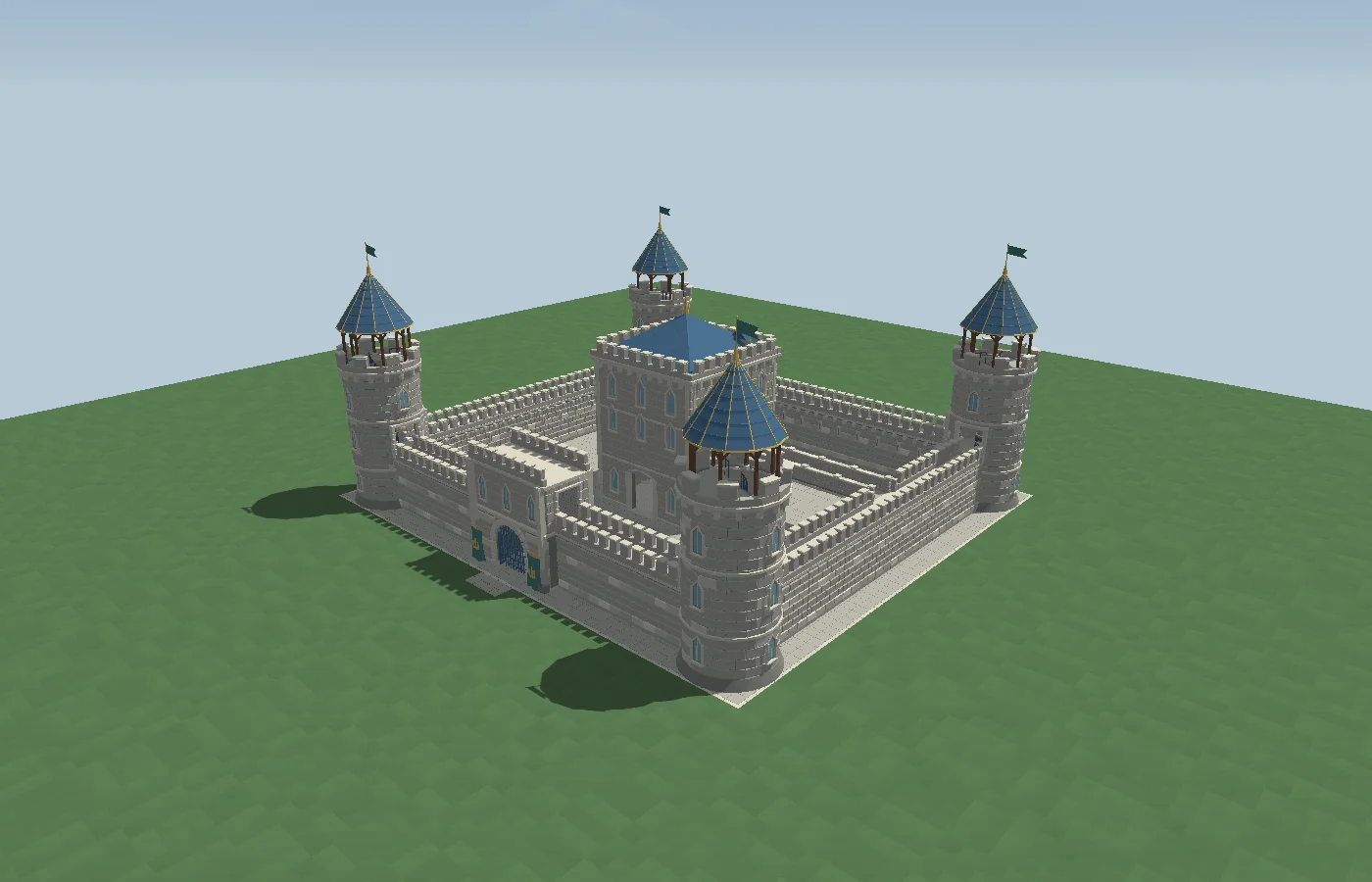
Castle Courtyard
Explore a working gatehouse, enterable towers, and the Great Hall.
Unity editor toolkit
Shape low-poly terrain, build streets and landmarks, and bring your levels to life. Hearthworld keeps your world editable inside Unity.
Unity 6.6 · Universal Render Pipeline
The toolset
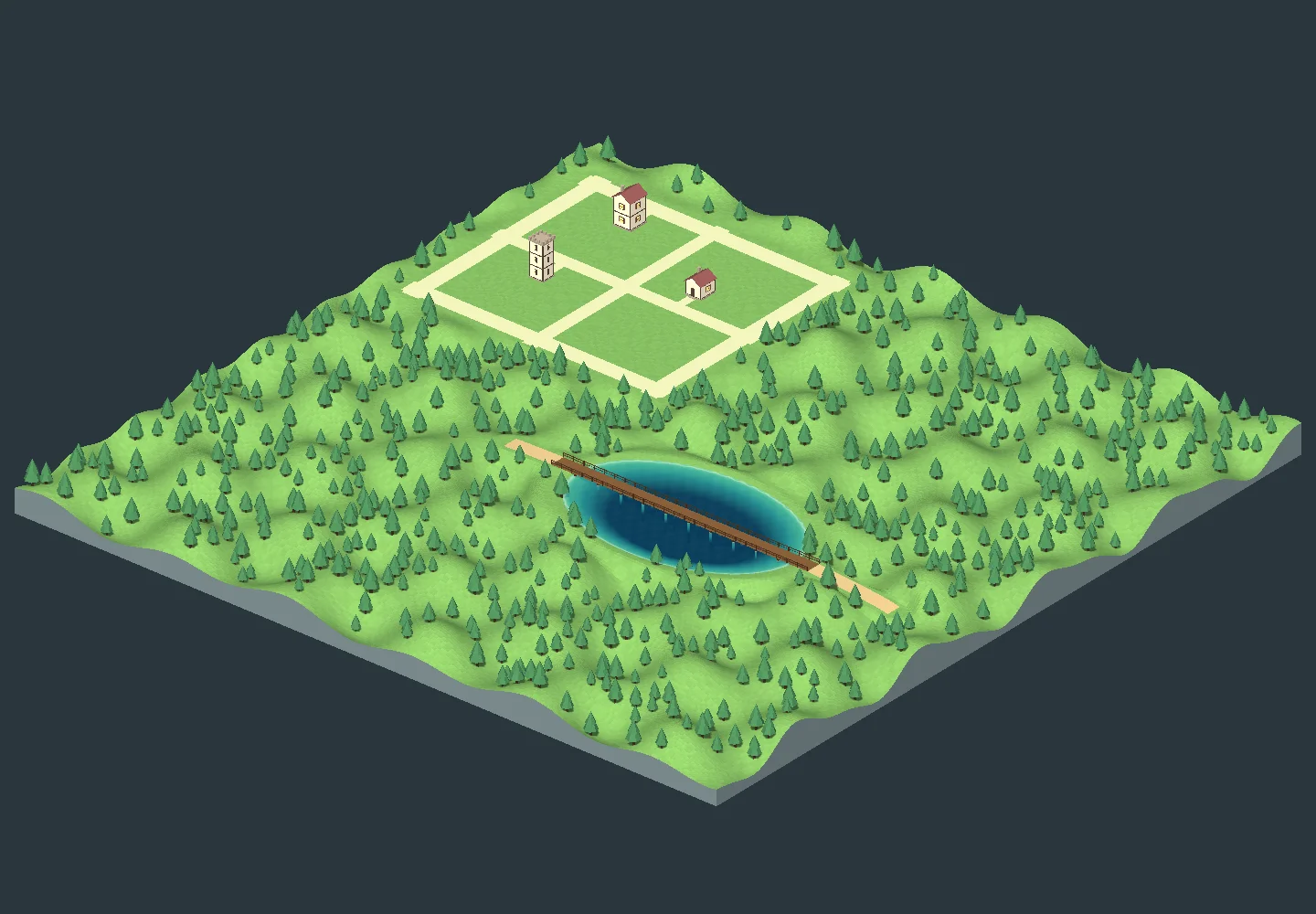
Sculpt land, paint materials, carve caves, and set coastlines in a live preview.
02Place editable buildings and grow connected city blocks with streets, signs and pedestrians.
03Join roads and design crossings, elevated freeways, and one-way ramps.
04Paint scenery mixes, place reusable arrangements, and set lighting, weather and sound.
05Build neon, lightbox and LED signs with custom fonts, SVGs and motion.
06Inspect an environment, export it in regions, and benchmark a route before integrating it into your game.
Built in Hearthworld
Open an editable starter scene or use the same tools to build a setting of your own.
Explore a working gatehouse, enterable towers, and the Great Hall.
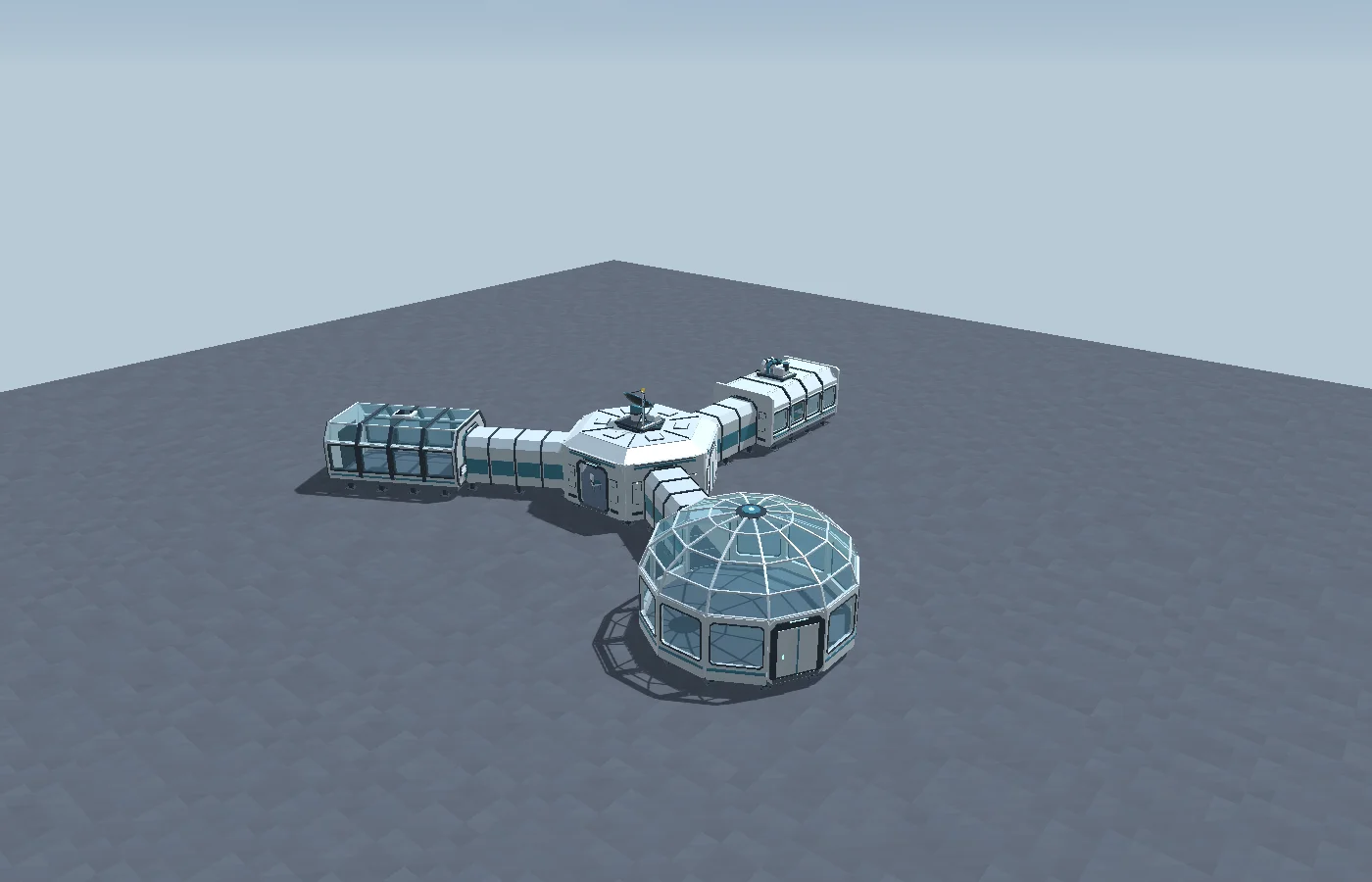
Start with a connected arrival hub, crew quarters, and an observation dome.
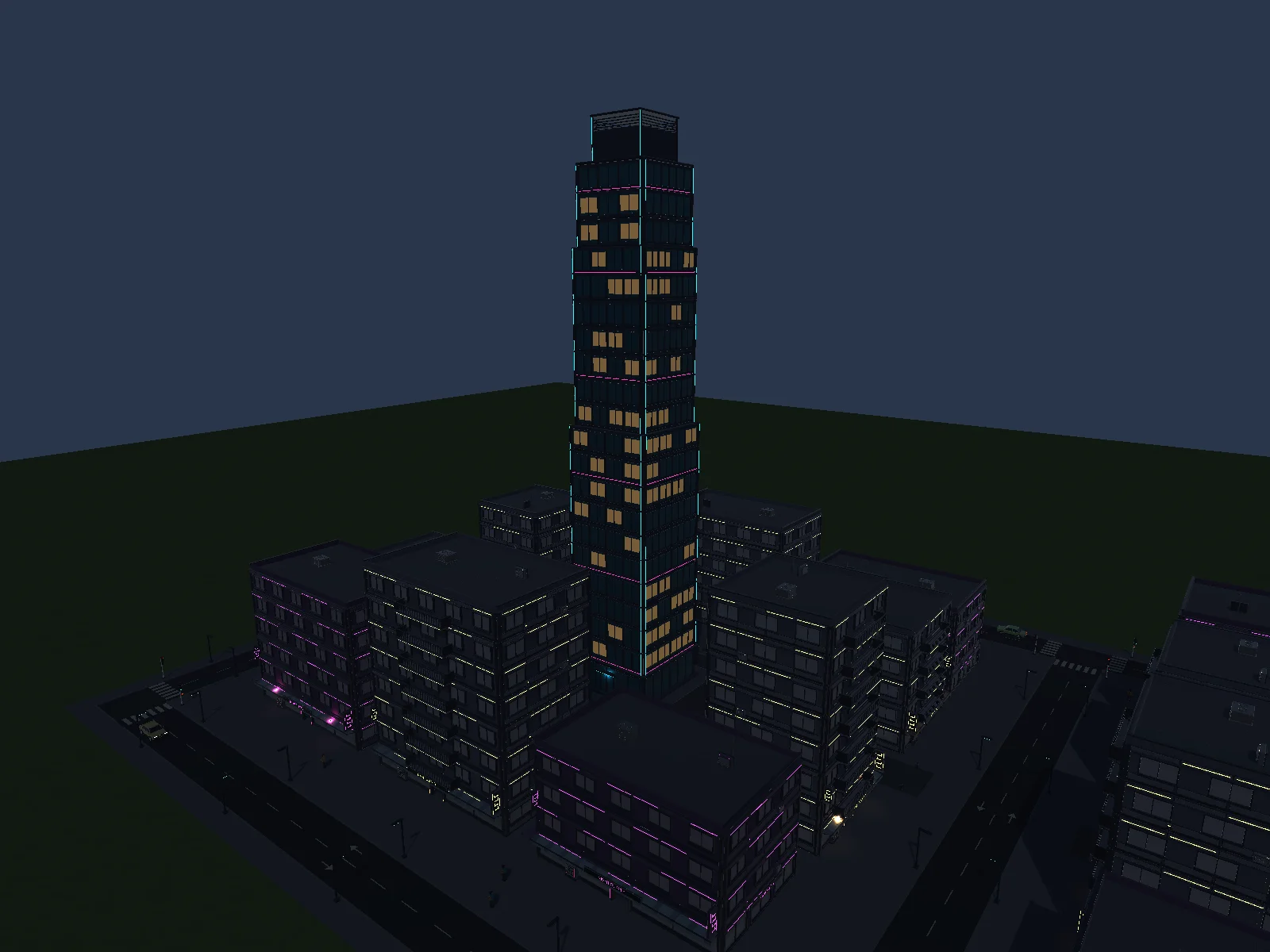
Customize a skyline and street-level details in a single city draft.
In motion · Unity capture
Walk past a lit service bay and out toward the water. This scene demonstrates what you can build with scenery, signage and lighting.
Read the atmosphere guideA practical workflow
Create a world, place a route or district, then explore the saved scene at ground level before exporting.
Browse the documentationPick a landform and adjust its footprint, formations, appearance and sea level.
Lay roads, fit buildings and add people, lighting and scenery.
Walk the scene, inspect it, and export a separate copy for your game.