Start here
Create your first world
Use the live Foundry preview, save an editable scene, and walk through it.
Start with a landform
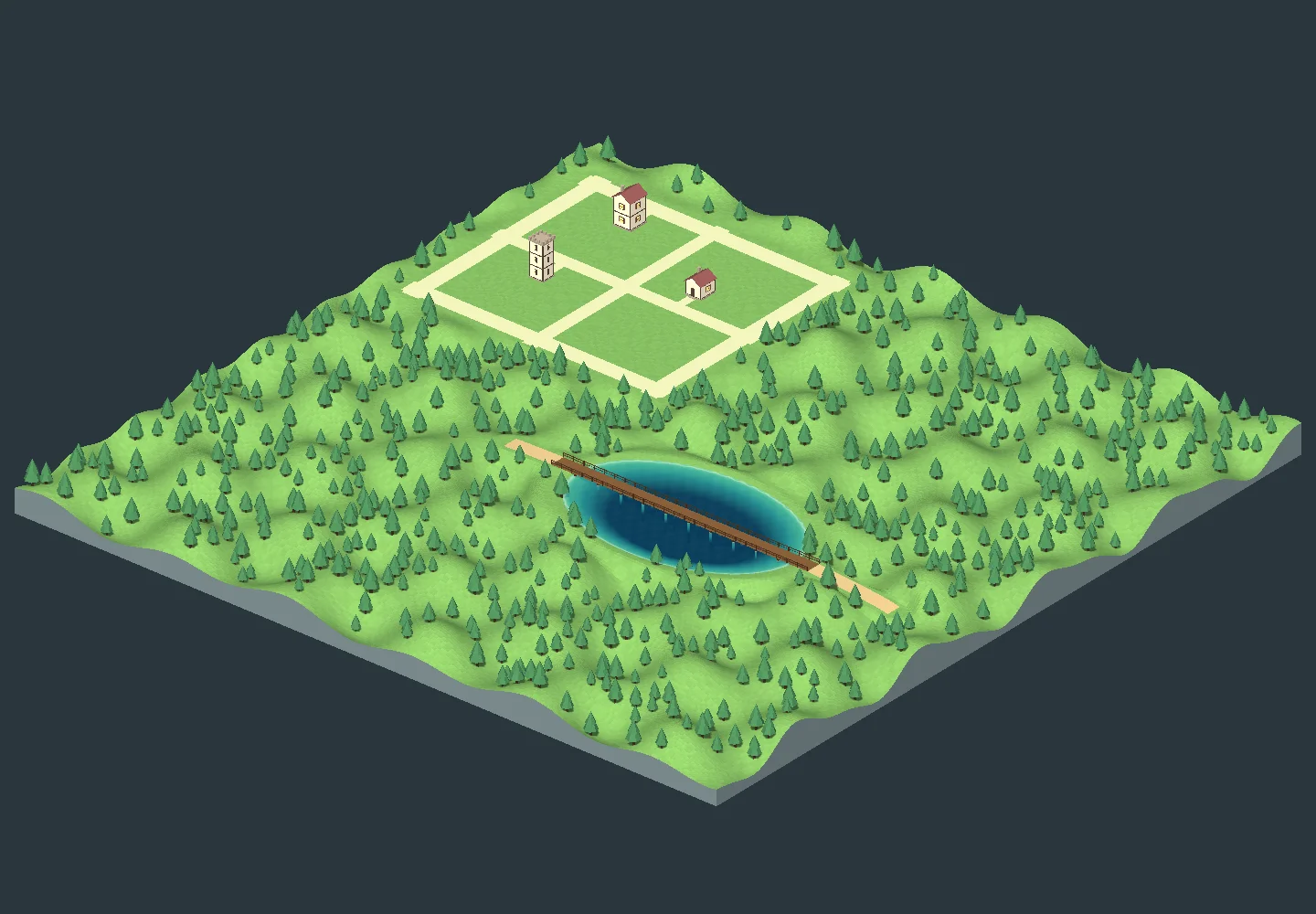
Open New world in the Hearthworld header. World Foundry also opens when the panel has no Hearthworld world. Choose Alpine Range for ridgelines, Highland Valley for a broad valley floor, Island Coast for shallows, or Open Canvas for level building ground.
Shape the draft in real time
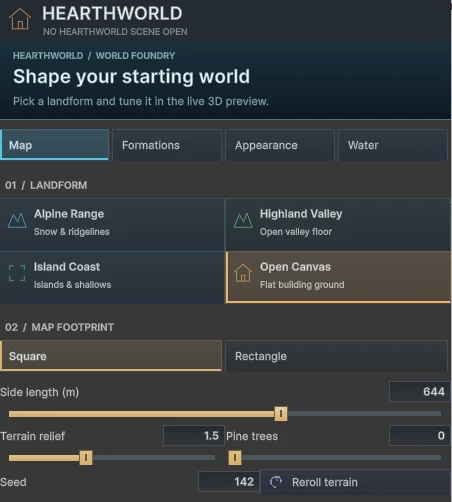
- In Map, choose Square or Rectangle and drag the dimensions or type exact values. Drag the preview to orbit, scroll to zoom, and use Frame preview for an overview.
- In Formations, add or remove peaks, ridges, plateaus and basins. Drag their pins to move them, then adjust radius, strength and rotation.
- Use Appearance to set terrain bands and Water to preview an ocean. Check the elevation and submerged share in the viewport.
Create, save and walk
Click Create world to save a separate editable scene under Assets/Hearthworld/User/Worlds. Map settings reopens the terrain controls and Frame world fits the terrain in the Scene view. Click Walk to try the saved scene in Play, then stop Play to return to editing.
Explore the installed examples
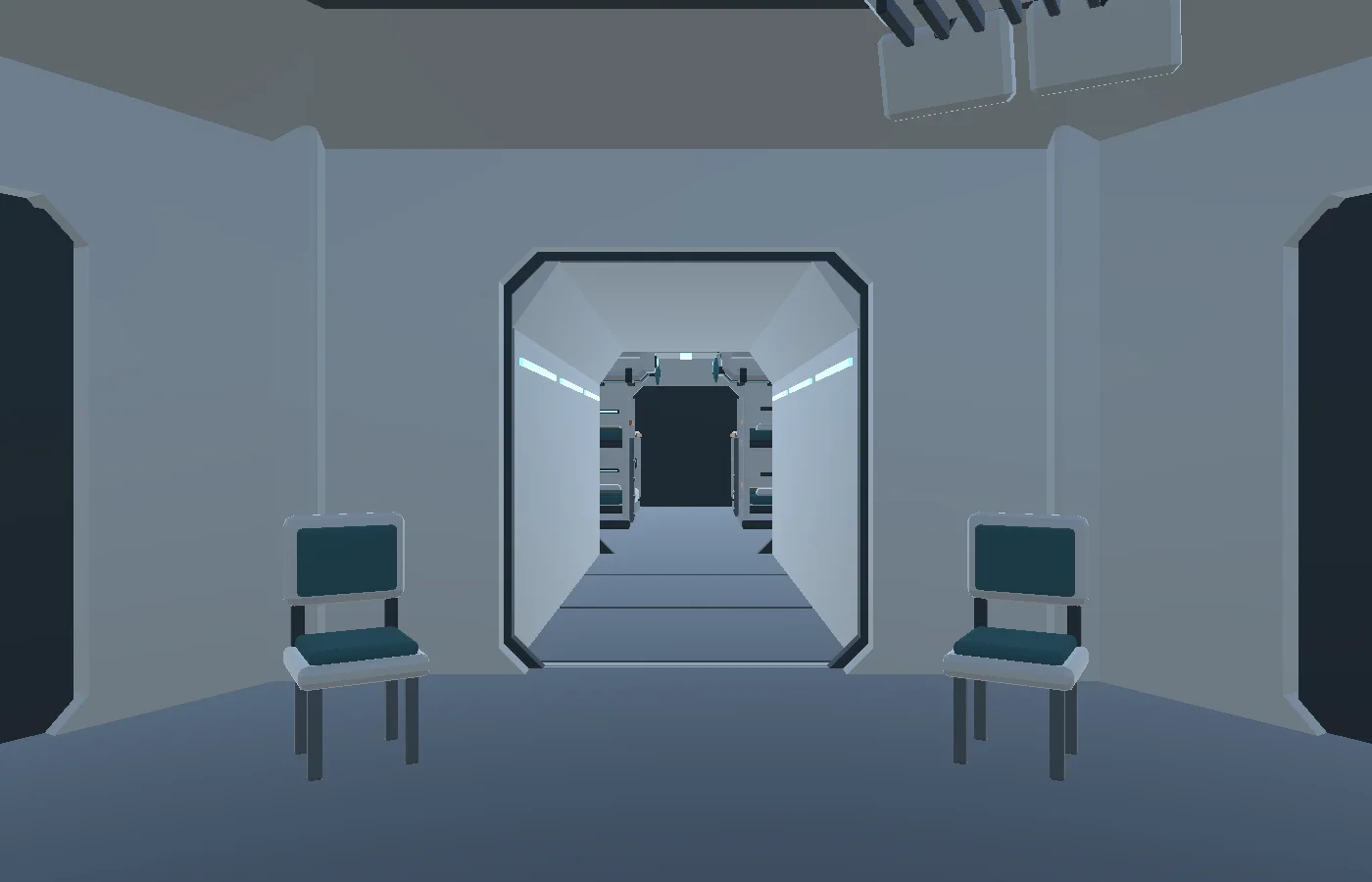
Choose Tools → Hearthworld → Examples to open Castle Courtyard or Meridian Spaceport. Both are editable starter scenes. Use Save As before turning one into your own project.