Build a world
Connect roads, bridges and freeways
Lay out a street, join endpoints, and review ramp and pedestrian connections.
Draw a route
Open Build → Roads & bridges. Place the route points in the Scene view, then choose the street or bridge profile. Review grades, junctions and clearance before committing. Nearby supported endpoints can be used to propose a connection.
Connect to an existing network
Use the connection task to pick a source and target. Check the proposed approach. If the suggestion is blocked by terrain, water or an authored object, adjust the approach or keep the points and edit the route freely.
Add elevated routes
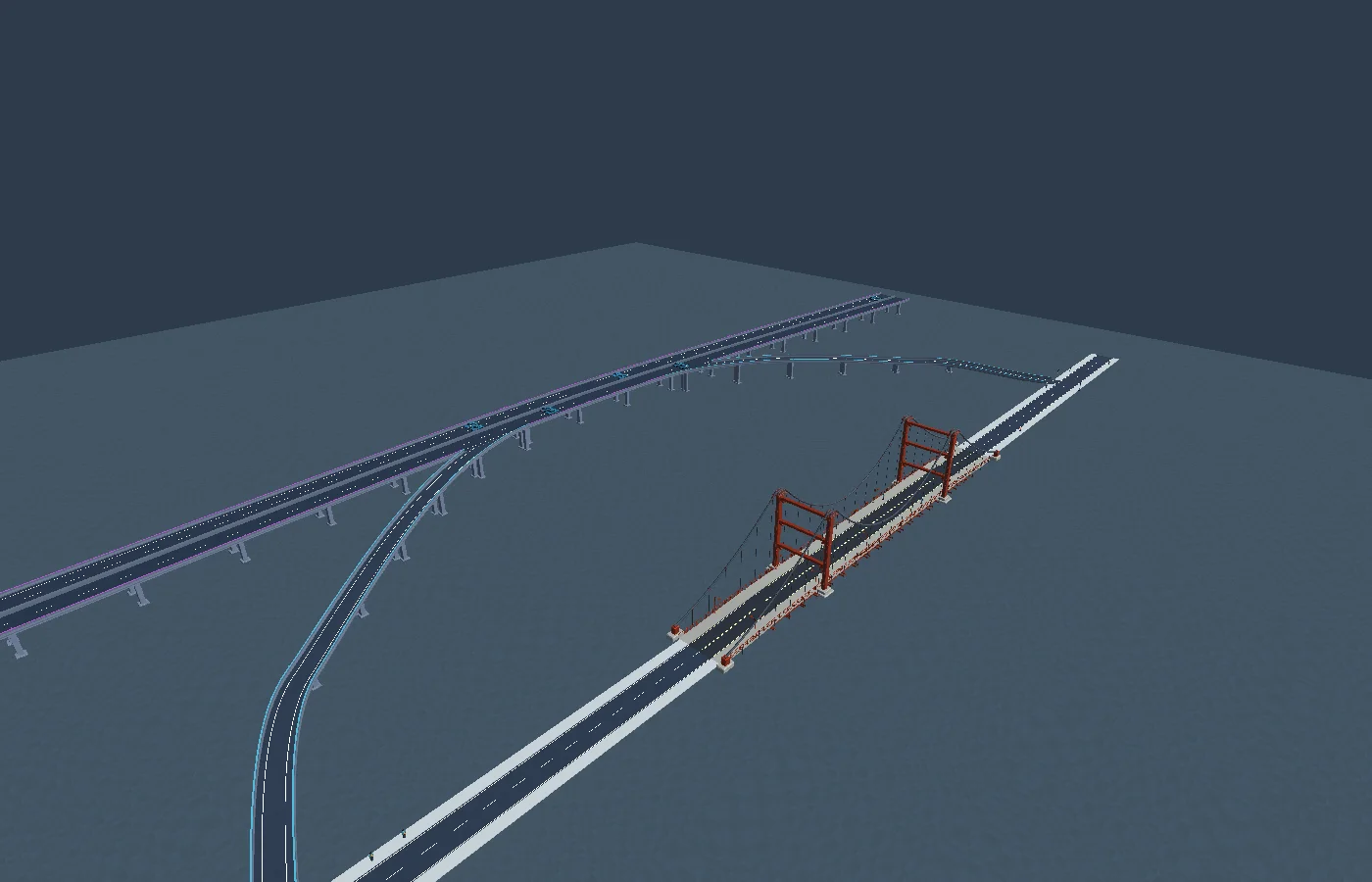
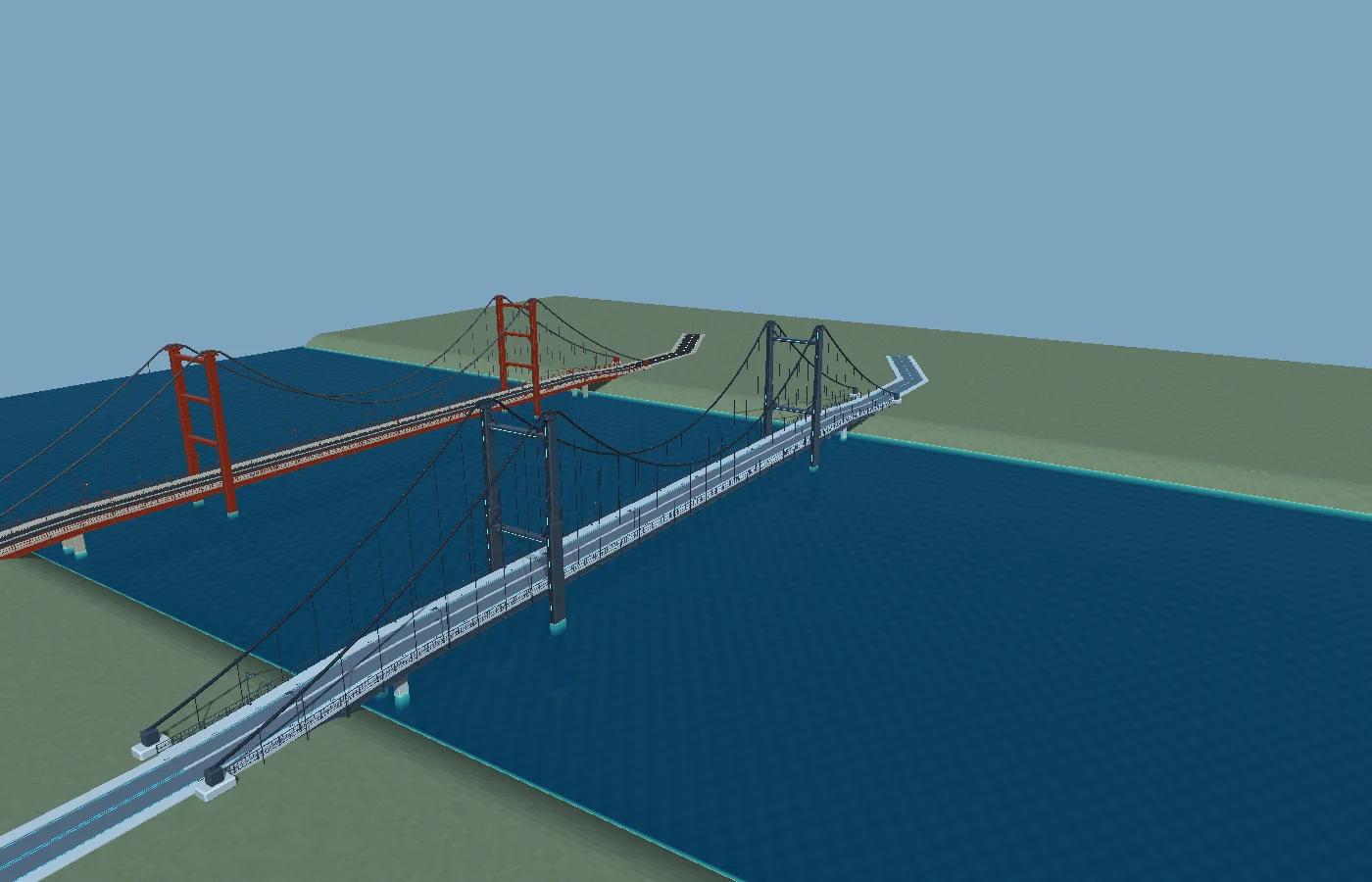
Use Freeway Studio for a divided elevated route and fit one-way on and off ramps to supported road connections. Use Landmark Bridge Studio for a long suspension crossing. Review the road deck, guards, and walking access at each join before Apply.