Build a world
Place buildings and reusable designs
Start from a castle, customize a house or shell, and reuse finished arrangements.
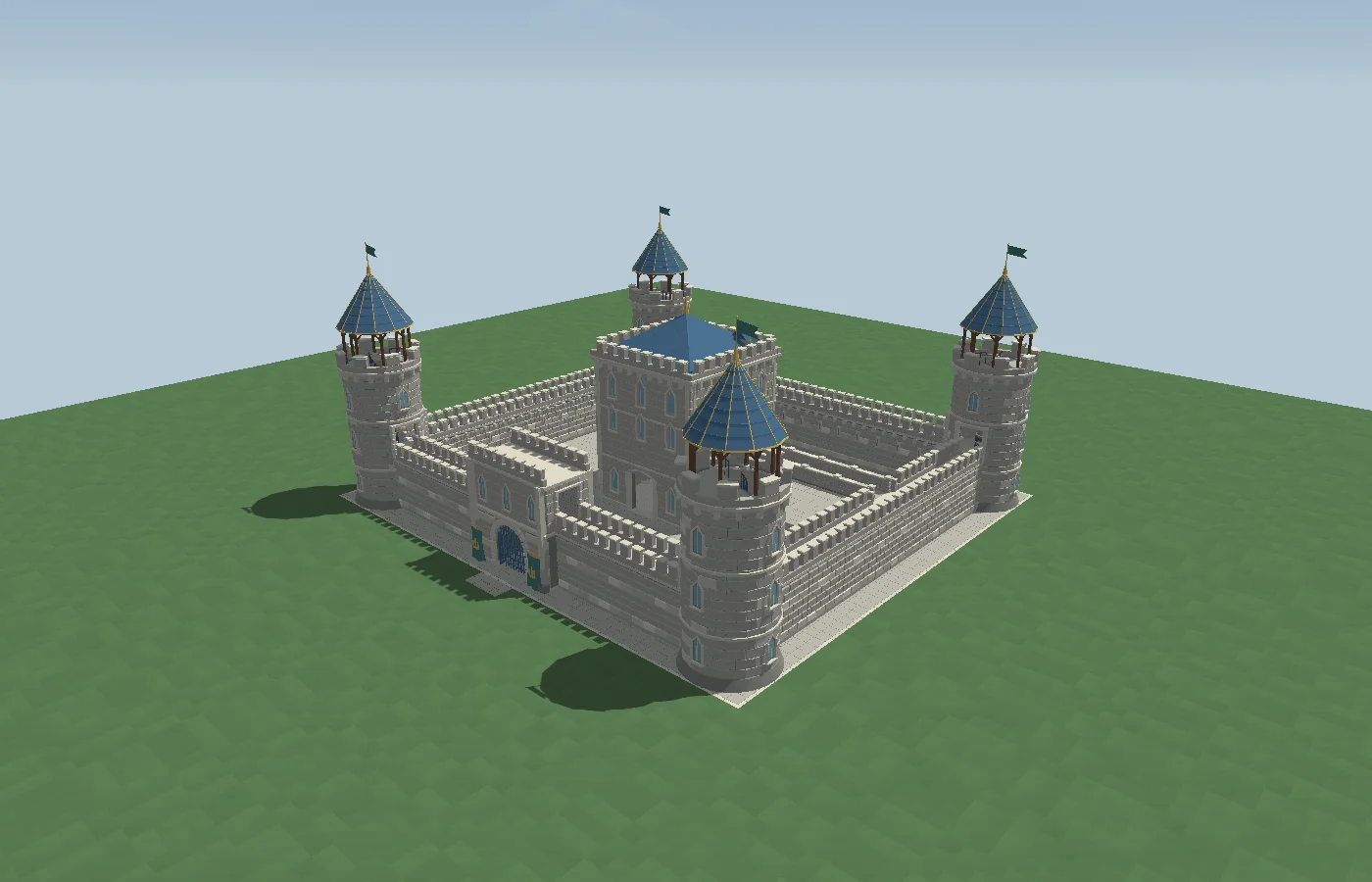
Start with a building or castle
Use Build → Place buildings to browse models. Choose a design, review the footprint, and place it on the terrain. Select a supported building to see its editing actions. For a castle starter, open Castle Courtyard or choose a castle design from Build.
Edit a design in context
Use House Studio for an editable procedural house and the industrial building tool for a custom footprint. Check the entrance and interior before applying. For assets that offer placement preparation, review ground grading and generated-scenery clearance in the placement draft before committing.
Save a group for reuse
Use Decorate to place objects and arrangements or save a selection as a reusable design. Choose a saved design, review its fit, and apply a new copy. Editing the placed copy and saving a variation are separate operations.