Build a world
Design and animate signs
Make neon, lightbox and LED signs for walls or city storefronts.
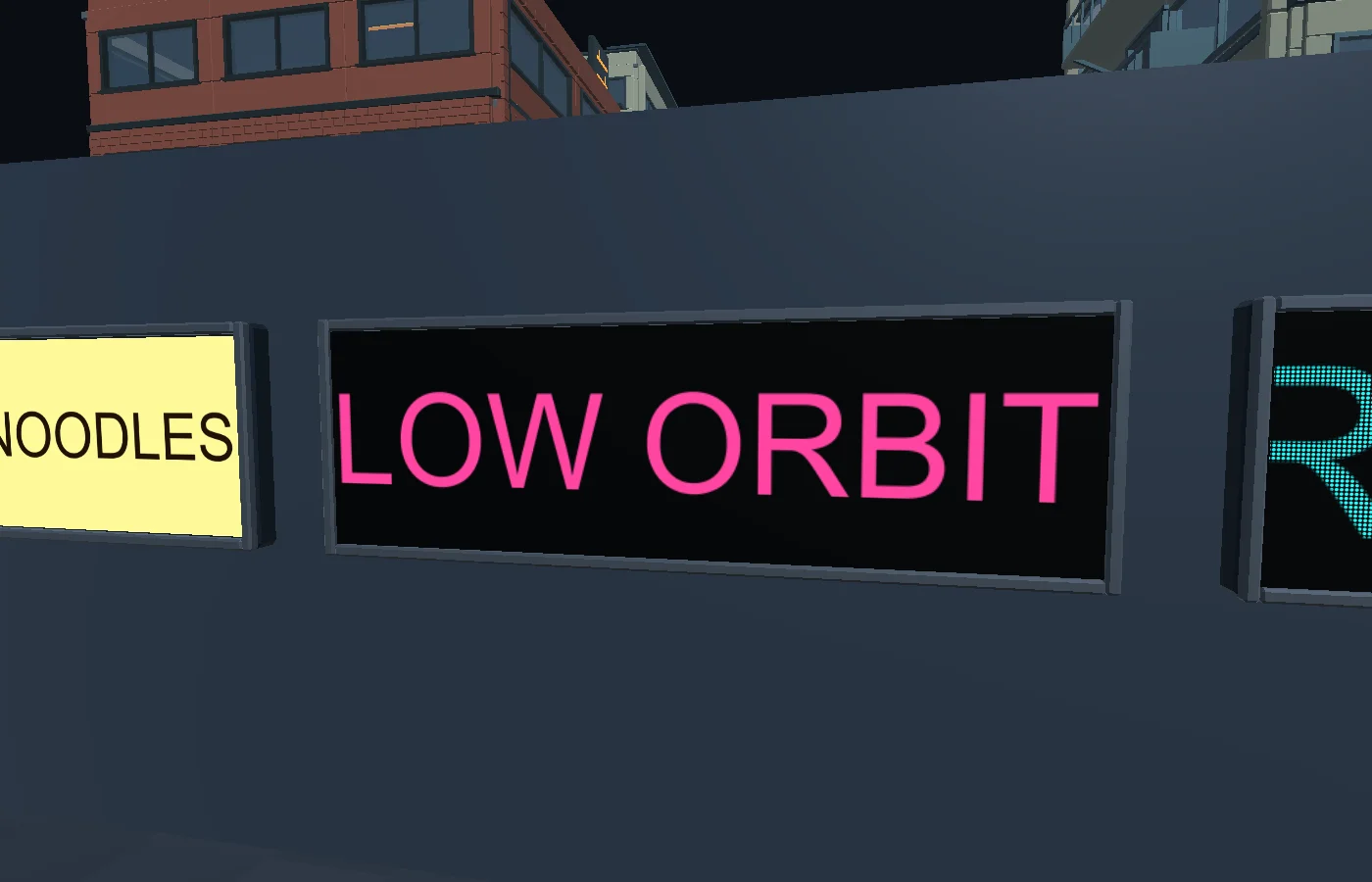
Place a sign on a wall
Open Life → Signs → Sign Studio. Click a surface and adjust the message, size, offset and rotation. Pick a construction in Finish, preview it, then click Apply sign. Find mounted signs later in Signs → In this world.
Bring your own type or artwork
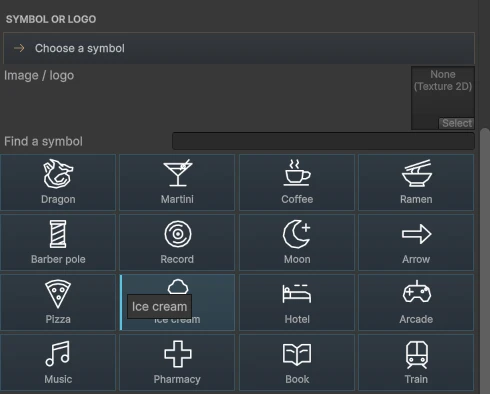
Use the font gallery or assign a TTF/OTF imported into Unity. Choose a vector symbol, an image logo, or Import SVG…. Convert text to outlines and flatten gradients, filters, masks and linked images before import. Imported symbols can be reused under My symbols.
Animate a storefront
Choose a motion in Motion and use Preview animation to see it from the start. For a generated storefront, select its building in City Studio and choose Edit sign. Use Back to storefront to keep editing the city draft, then apply the city to save the scene changes.