Build a world
Build a city and add street life
Grow connected blocks, customize buildings and storefronts, and preview traffic and pedestrians.
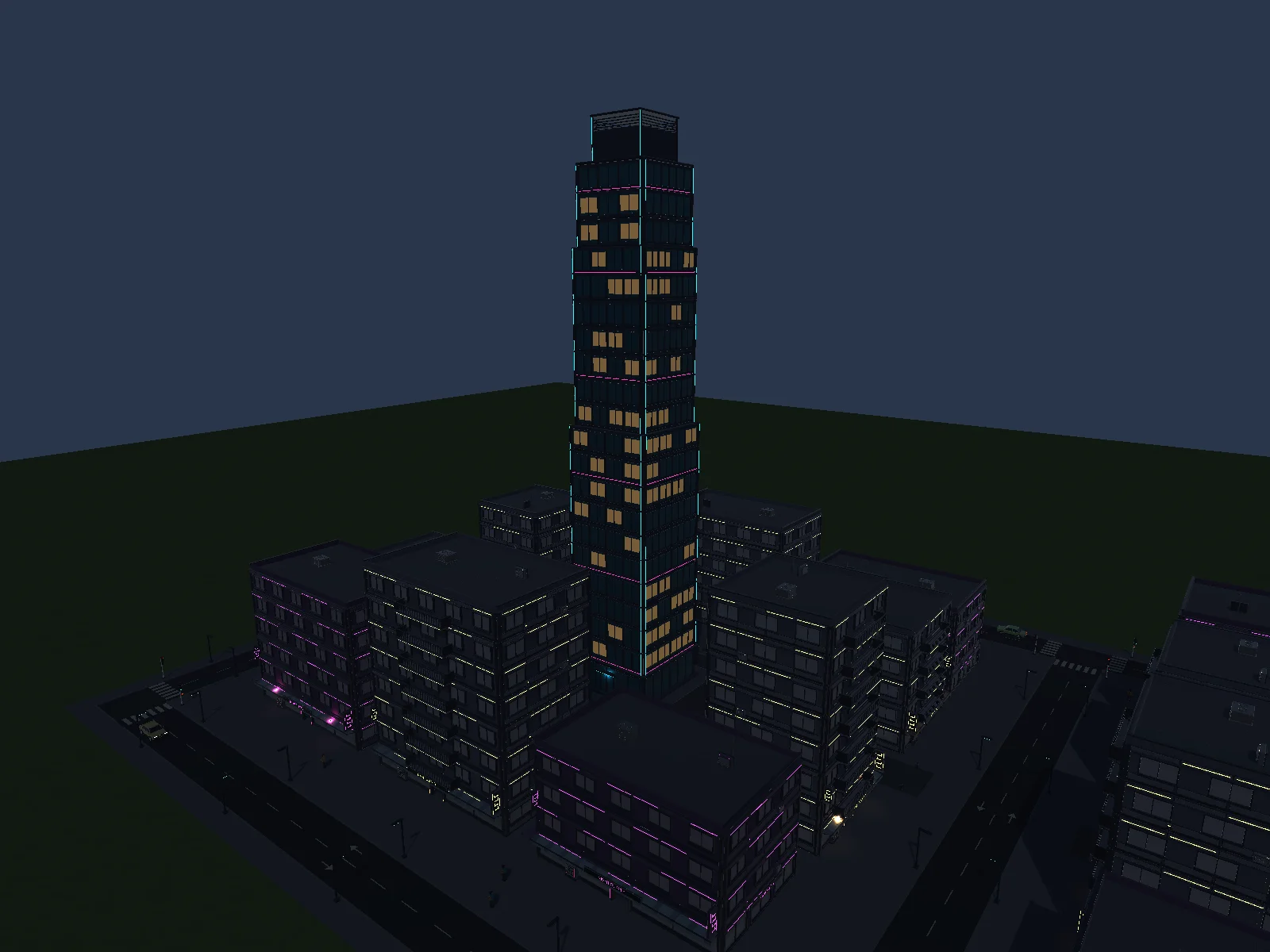
Place your first blocks
- Open Build → Cities → Create city.
- Choose an architecture style, neighborhood purpose and starting size.
- Click suitable flat ground to place the draft. Open Grow and use a + handle to add a connected block.
City Studio supports up to 16 connected, orthogonal, level blocks in one city.
Customize a block or storefront
Click a street to edit lanes and sidewalks, or click a building to open its building, storefront and sign tools. Pin a building to keep its design while reshuffling. Use Block → Interior layout → Landmark square to fit a tower and pedestrian square inside the block.
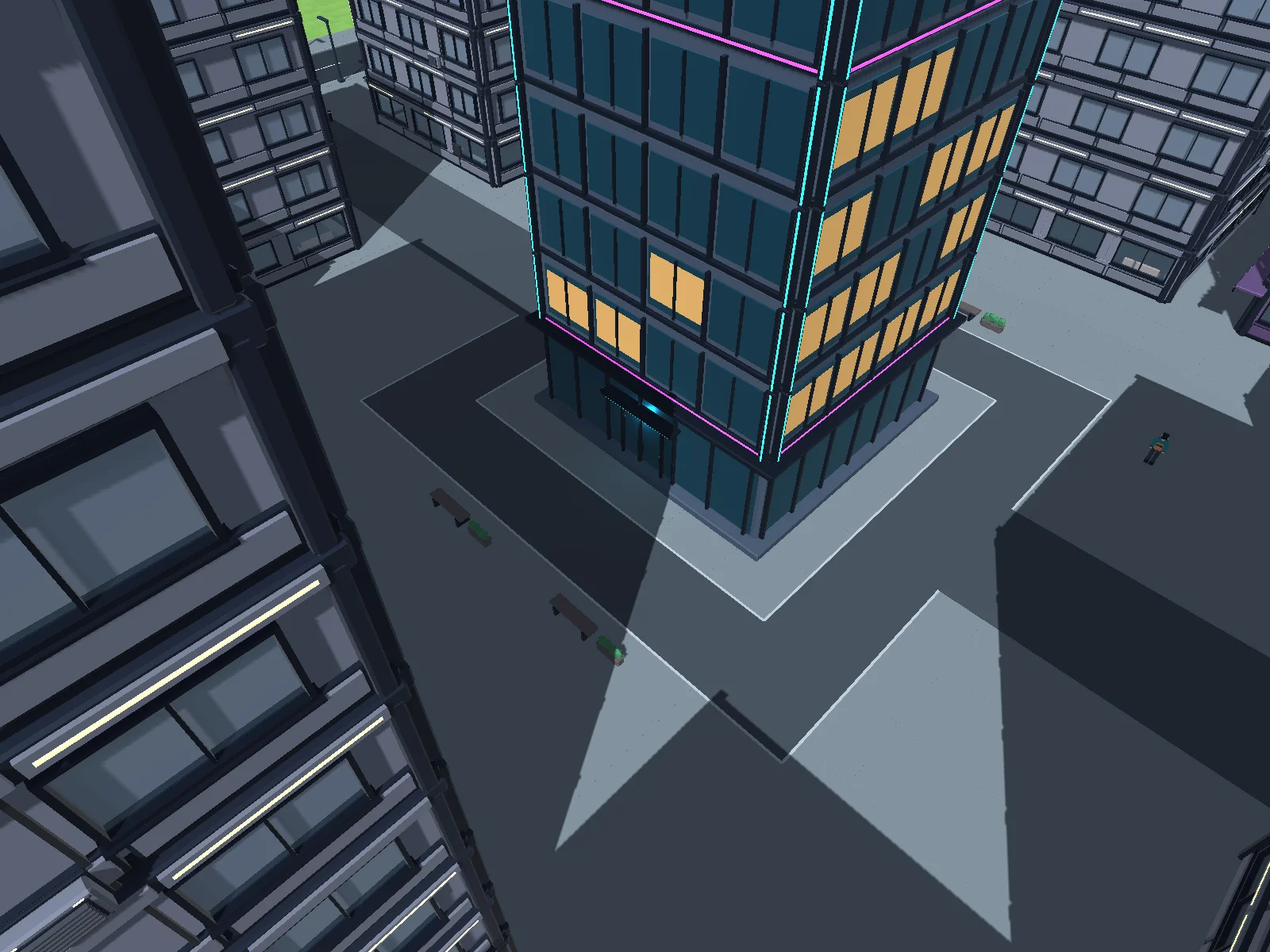
Preview people and vehicles
Open Life and review affected connections. Preview vehicles and pedestrians together. For walking, choose connected wandering and a boundary, or keep explicit route mode. Inspect crosswalks and access to destinations before applying.
Apply city commits the draft. Open Walk on the saved city to explore at street level. City wandering uses supported sidewalks and crossings.